Connect MCP servers
hal0 talks Model Context Protocol in both directions: it can install and run MCP servers for its bundled agent to use, and it exposes its own admin and memory surfaces as MCP servers for any external client.
Install an MCP server
Section titled “Install an MCP server”hal0 mcp install oci://ghcr.io/example/some-mcp-server:latesthal0 mcp install npm:@example/some-mcp-serverhal0 mcp install uvx:some-mcp-serverhal0 mcp install git+https://github.com/example/some-mcp-serverhal0 mcp install accepts an OCI image ref, an npm/uvx package
specifier, a git URL, or a manifest URL. Each installed server persists
as its own file, /etc/hal0/mcp-servers/<id>.toml, mode 0600 — secrets
live in that server’s own env block, never in a shared file.
hal0 mcp list # bundled + installedhal0 mcp list --jsonhal0 mcp status <id> # tools, env, connected clientshal0 mcp restart <id>hal0 mcp uninstall <id>hal0 mcp uninstall <id> --forcehal0 mcp catalog list # curated, known-good server cataloguehal0 mcp catalog refreshhal0’s own bundled servers
Section titled “hal0’s own bundled servers”hal0 ships two MCP servers, mounted on the API as Streamable-HTTP sub-apps, for any external client (an IDE, Hermes, another agent) to connect to directly:
/mcp/memory— long-term memory tools (search, add, recall, list, delete). Only mounted when the memory subsystem is initialised./mcp/admin— operate hal0: slots, models, capabilities, profiles, stacks, config, hardware probes. Itsmemory_*tools route in-process to the memory server.
Connect
Section titled “Connect”Point your MCP client at the mount URL on the hal0 host:
http://localhost:8080/mcp/adminhttp://localhost:8080/mcp/memoryAuthenticate
Section titled “Authenticate”Both mounts are token-gated whenever auth is armed on the box:
| Mount | Tier | Satisfied by |
|---|---|---|
/mcp/admin |
ADMIN | HAL0_ADMIN_KEY only |
/mcp/memory |
CLIENT | HAL0_ADMIN_KEY or HAL0_CLIENT_KEY |
Send the key as a bearer header on every request:
Authorization: Bearer <key>Both keys live in /etc/hal0/api.env on the host (owner-only, mode
0600) — read them out-of-band; hal0 auth status reports only whether a
key is configured, never its value.
TOKEN=$(sudo grep '^HAL0_ADMIN_KEY=' /etc/hal0/api.env | cut -d= -f2)curl -s -X POST http://localhost:8080/mcp/admin/mcp \ -H "Content-Type: application/json" \ -H "Authorization: Bearer $TOKEN" \ -H "X-hal0-Agent: my-agent" \ -d '{"jsonrpc":"2.0","method":"tools/list","id":1}' | jq '.result.tools | length'A bare 401 with no body means the box requires auth and the request
above needs a valid Authorization header.
Rotate a key:
hal0 auth rotate admin # or: hal0 auth rotate clientA rotation is not live-propagated into an already-saved client config —
update each client’s stored Authorization header by hand. hal0’s own
bundled Hermes is the one exception: it re-reads the current key on the
next hal0 agent bootstrap hermes --repair.
Identify with X-hal0-Agent
Section titled “Identify with X-hal0-Agent”Caller identity flows on the X-hal0-Agent request header. The value
must match ^[a-zA-Z0-9_-]{1,64}$. It stamps the audit trail and powers
the private:<agent> memory namespace.
X-hal0-Agent: my-agentAn absent or malformed header falls back to anonymous. Add
X-hal0-Private: 1 to opt a memory client into its private namespace —
writes then land in private:<agent> instead of the default shared
dataset (or the unified bank, if [memory].unified_bank is on — see
Enable memory).
Widen the host and origin allowlists
Section titled “Widen the host and origin allowlists”Each mounted server inherits FastMCP’s localhost-only
DNS-rebinding protection. A non-localhost client otherwise gets a bare
421 Invalid Host. Two environment knobs on hal0-api widen the
allowlist:
HAL0_MCP_ALLOWED_HOSTS— comma-separatedhost/host:port/host:*values added to the localhost floor. The single value*disables DNS-rebinding protection entirely.HAL0_MCP_ALLOWED_ORIGINS— comma-separated browser origins, derived automatically from each added host when unset.
HAL0_MCP_ALLOWED_HOSTS=hal0.local:8080,hal0.local:*See Edit configuration for where these env keys live.
Remote client (workstation Hermes/Claude)
Section titled “Remote client (workstation Hermes/Claude)”Connecting from a workstation to a hal0 box on the LAN — rather than a
client running on the box itself — needs three things: the box’s
hostname/IP widened into the allowlist
above, the mount URL pointed at the box instead of 127.0.0.1, and — if
auth is armed — the bearer header.
A workstation Hermes’ config.yaml (the same mcp_servers.* shape hal0 agent bootstrap hermes renders for the box’s own bundled agent):
mcp_servers: hal0-admin: type: http url: http://<host>:8080/mcp/admin/mcp timeout: 60 headers: X-hal0-Agent: my-workstation-hermes Authorization: Bearer <key> # omit entirely when auth is off hal0-memory: type: http url: http://<host>:8080/mcp/memory/mcp timeout: 30 headers: X-hal0-Agent: my-workstation-hermes X-hal0-Private: "1" Authorization: Bearer <key> # omit entirely when auth is offA workstation Claude Code (~/.claude/settings.json) uses the same
headers shape — see the hal0-admin / hal0-memory example in
/etc/hal0/MCP-CLIENTS.md on the box (swap 127.0.0.1 for <host>).
Replace <host> with the hal0 box’s LAN hostname or IP, and <key> with
the value read from /etc/hal0/api.env on the hal0 box — never commit
it into a workstation dotfile checked into git. HAL0_ADMIN_KEY satisfies
both mounts; a client-tier HAL0_CLIENT_KEY only satisfies /mcp/memory
(see the tier table above).
Memory tools (/mcp/memory)
Section titled “Memory tools (/mcp/memory)”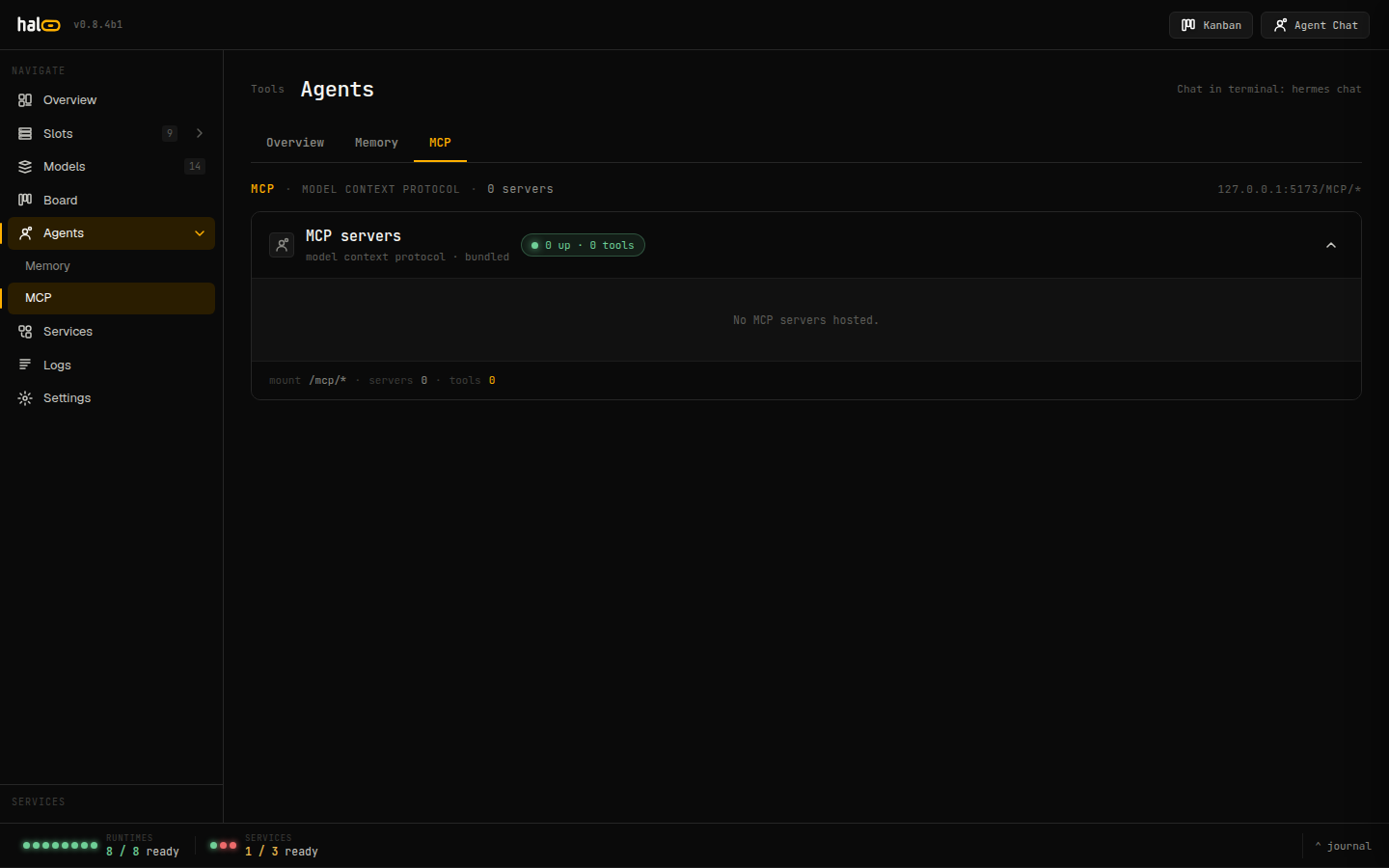 Dashboard tab showing available MCP tools and their approval status.
| Tool | Effect | Notes |
|---|---|---|
memory_add |
write | text (required), dataset, tags, metadata, document_id. Reuse document_id to upsert one logical document. |
memory_search |
read | query (required), limit (1–200), dataset, tags, before, after. |
memory_recall |
read | Token-budgeted, consolidated recall — preferred over search. query, max_tokens (1–32768), types. |
memory_list |
read | Paginate: dataset, cursor, limit. |
memory_delete |
delete | ids (non-empty list), optional dataset. |
Admin tools (/mcp/admin)
Section titled “Admin tools (/mcp/admin)”Admin tools are classified into three tiers. Read-only and low-blast-radius
writes run autonomously; destructive or wide-reaching tools are
gated — they enqueue for owner approval and return
{"status": "pending_approval", "approval_id": "..."} instead of
executing.
Autonomous — read: slot_list, slot_status, model_list,
hardware_probe, capability_list, provider_list, version_info,
stack_list, stack_status, profile_list, profile_status,
profile_export, gpu_target_version, npu_status, env_report,
model_store_probe.
Autonomous — write: model_swap, memory_add, memory_search,
memory_list, and memory_delete for a single id. A bulk memory_delete
routes to the gated tier at call time.
Gated — always require approval: model_pull, model_delete,
slot_create, slot_delete, slot_restart, capability_set,
config_write, provider_credential_write, stack_apply,
stack_import, stack_delete, profile_import, profile_delete, and
logs_tail. slot_create and config_write here follow the same
[server].extra_args screening as every other slot write path — see
Edit configuration.
The approval flow
Section titled “The approval flow”-
The server enqueues the call and returns
{"status": "pending_approval", "approval_id": "..."}. -
The owner reviews and approves (or denies) the request from
hal0 agent approvals list/approve/deny— the queued call carries the tool name and arguments so the approver sees exactly what will run. -
On approval, the tool executes with the approved arguments and the real result is recorded; every gated call is written to the audit log.
See also
Section titled “See also”- Enable memory — what the memory subsystem powers.
- Run agents — the approvals queue in context.
- Edit configuration — where per-server env secrets and the extra_args screen live.
- Security — the LAN-open posture, MCP allowlist, and origin gate.